
How to Search Cases by Name
Start a Greeley County district case at Kansas CaseSearch, the statewide public entry point. Accept the public-access notice. Pick District, then choose Party Name as the search type. Type the name carefully. Select Greeley County when that field appears. Filters can trim the results by case type, date of birth, or filing-date range. Enter sensitive details only when the law allows it and the search truly needs them.
- Open Kansas CaseSearch and read the notice that online information is not the official court record.
- Select District and Party Name. Enter the name with the spelling used in the court filing.
- Choose Greeley County. Add a case-type or filing-date filter only when it will exclude clear false matches.
- Complete the human check and run the search. Do not judge a blank result until that required check succeeds.
- Compare the case number, caption, filing date, and case type before opening the matching Greeley County result.
Names trip up searches. Spellings vary, names change, and business parties get formatted in their own way, so a firm that will not appear under a personal-name query should go through the business search type instead.
Greeley CaseSearch Field Map
The dated Smart Search guide shows more fields than today's guest form actually displays. Trust the controls on the live screen. The guide is still handy for case-number format and general search ideas, though a guest should not assume every older field is still offered.
| Field label | Type | Required | Greeley County use |
|---|---|---|---|
| Court | Dropdown | Yes | Select District for a local trial case; Appellate is a separate search |
| Search Type | Dropdown | Yes | Case Number, Party Name, Business Name, Party As Business Name, or Citation Number |
| Search Term | Text | Yes | Enter the value that matches the chosen type |
| County | Dynamic dropdown | When shown | Select Greeley rather than a statewide sweep |
| Additional Filters | Panel | No | Case Type, DOB, File Date From, and File Date To |
| Human check | Verification | Yes | Complete it before relying on the result |
Case-type options now run from Criminal to Civil, Family, and Probate or Mental Health. A filter only shapes the question the query asks. It cannot open records the law keeps from public view.
How to Search by Case Number
For precision, nothing beats a case number in a Greeley County case lookup. Pick Case Number as the search type. Type the full number. Choose District, and select Greeley County when prompted. The official guide shows formats like 2025-CV-000001 and 2025-RL-000001: a year, a case-type prefix, then a sequence. No Greeley-only code sheet exists, so never guess at a local prefix.
Take the number straight from a filed notice, citation, order, or clerk response. Keep the punctuation and leading zeros intact. If an exact match fails, check the paper for transposed digits. Also make sure the matter belongs to district court rather than appellate, municipal, or federal. A citation number belongs in its own Search Type, not the case-number box.
Older records may list public index details without online document images. The clerk can match a legacy number and tell you which copies are permitted.
Choose Greeley Before Searching
The county selector saves real headaches. A statewide name search pulls people and businesses from courts all over Kansas. Choosing Greeley County points the query at the local district court, which makes comparing results far easier and lowers the odds of grabbing another county's case by mistake.
Best first refinement. Select Greeley County before adding personal filters, then compare the case number and filing details.
Some Kansas counties appear as split location choices in the portal. Greeley is not one of them; it is a standard selection. Picking a neighboring 25th Judicial District county searches that county's cases, never Greeley's.
What a Case Search Shows
A Greeley County result gives case information, not the complete official record. The district-records explainer lists what may appear: parties, attorneys, the judge, events, judgment information, and references to filed documents. What you actually see depends on the case, the filing date, access rules, and what the public portal exposes. Even when an index is online, older case images may not be.
| Case Number | The court identifier used to distinguish the matter. |
|---|---|
| Caption or Parties | The names shown in the public case style, subject to redaction and access limits. |
| Case Type | The court category, such as civil or criminal. |
| Filed Date | The date the case was opened or filed as displayed. |
| Judge and Attorneys | Assignments or appearances permitted in the public view. |
| Events and Judgment | Docket activity and outcome information that the portal makes public. |
| Document References | Entries that may point to filings; a reference does not promise an online image. |
For the official record, go to the clerk-held file, since a portal screen can lag or run thin.
Greeley Search Source Images
The Kansas Judicial Branch self-help source points court users toward official state resources tied to a Greeley County case search.
Think of it as a route to court help, not a substitute for a Kansas CaseSearch result or the Greeley District Court file. The 25th Judicial District directory maps the local court network that includes Greeley County.
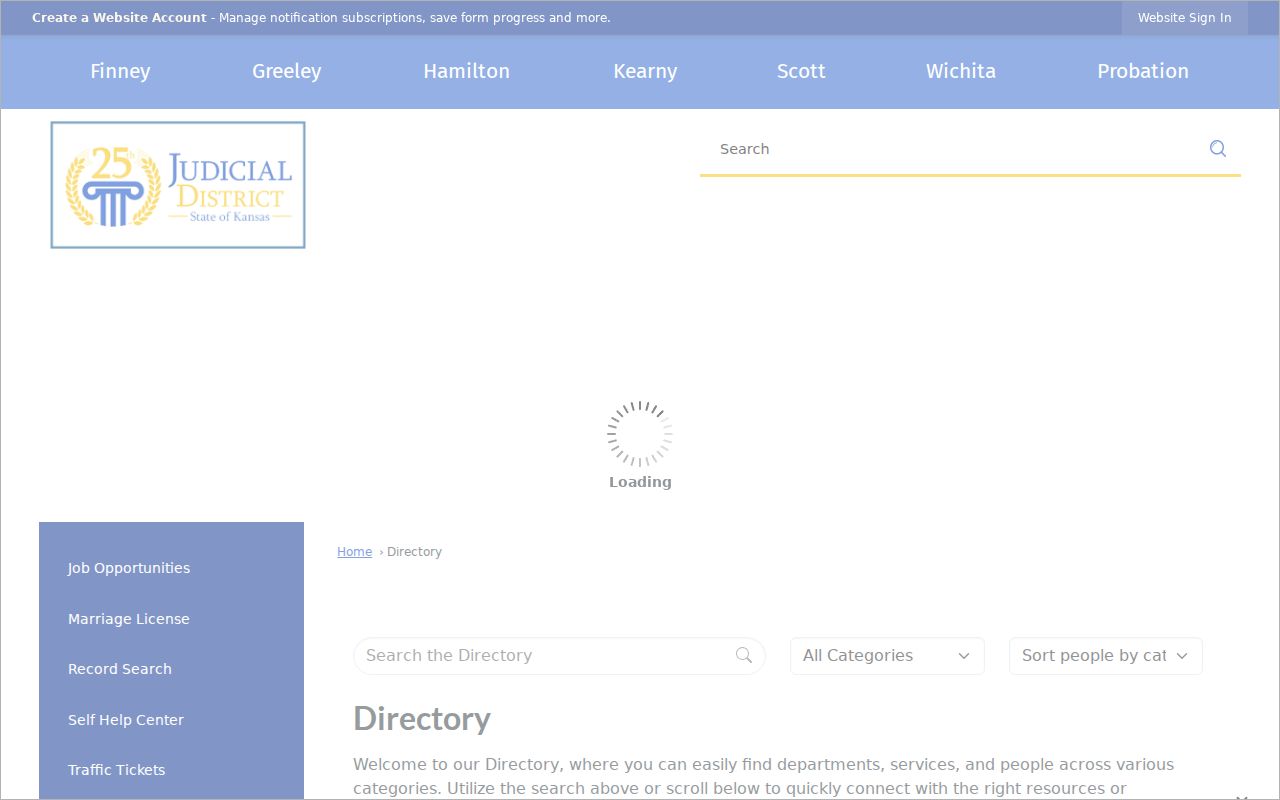
That directory suits anyone who picked the wrong county or simply needs a clerk instead of another online search.
County vs Statewide Case Search
Greeley County offers no county-branded online case database of its own. The statewide layer is Kansas CaseSearch, which carries a Greeley County filter. The local layer is the District Court Clerk and the courthouse terminal. The split matters. The portal brings convenience. The clerk keeps the official court record and handles requests for permitted copies.
| Channel | Best use | Limit |
|---|---|---|
| Kansas CaseSearch | Find public district or appellate case information | Not the official record; not every case or document is online |
| Greeley clerk counter | Ask for the official file, copy, or missing local case | Access remains subject to law, rule, seal, and order |
| Courthouse terminal | View additional permitted case information | Terminal access does not make protected material public |
| Phone, writing, or fax | Describe a record and ask the clerk to locate it | A precise case and document description is needed |
Greeley's policy accepts requests by phone, in person, in writing, and by fax. For the full record workflow, the Greeley County court record search covers clerk copies and how to request them.
Guest and Expanded Access
CaseSearch greets you with three choices: Log in, Register, or a request for expanded access. Guest status is the default. It carries no promise of deeper case detail, and Kansas Supreme Court Rule 22 draws the access lines for every channel, portal and courthouse alike. Role-approved users see more than guests by design.
Before the public search opens, a disclaimer appears. Only case information allowed by law appears online, the notice explains, while additional permitted information may sit at a courthouse terminal, and the online display is not the official court record. Clicking accept simply opens the docket search. It waives nothing.
The Appellate tab comes with its own availability notices. Skip it unless the matter truly carries an appellate case or number. A Greeley district case never turns appellate just because the district search failed to surface it.
When Greeley Search Returns Blank
An empty screen does not mean the court docket holds nothing on your matter. A blank result can come from a typo, the wrong search type, or a county filter left in the wrong spot. A filing-date limit can cause it too. So can a case type the public view keeps off limits. Older records may simply lack online coverage. Fix the simple things first. Run the full case number. Then try a party, business, or citation search spelled with care.
Still nothing? Strip the optional filters away one at a time. Double-check that District and Greeley County are the selected court. If the case still fails to appear, call the Greeley District Court Clerk at 620-272-3652 or come to 616 2nd Street in Tribune. A public terminal sits outside the Clerk's Office, and guests sign in under local policy.
When the question is really about timing, check the official Greeley County court dates calendar. A listed hearing can point you to the right case number. The portal search may still need work.
Restricted Cases and Access Rules
Kansas does not hand out court records without limits. Access runs in layers. Rule 22, state statutes, court orders, seals, and the type of case itself can each block what the public sees. Some categories are restricted or simply unavailable: adoption, juvenile and child-in-need-of-care matters, expunged records, grand-jury material, search warrants, protection cases, and certain mental-health or care-and-treatment proceedings.
- Juvenile disclosure is limited by K.S.A. 38-2309 and authorized-access rules.
- Expunged criminal material has restricted disclosure under K.S.A. 22-2410.
- A sealed filing may be withheld even when a public event remains visible.
- A redacted copy may be available when identifying portions can lawfully be removed.
- A party, attorney, or person with a court order may have access that a general requester does not.
The clerk can tell you what lawful access exists and whether a redacted request is an option. Never hop to another public portal to slip past a restriction. For the governing text, read Kansas Supreme Court Rule 22, the core rule on court-record access.